The Azure Visio
stencil pack that actually works.
The largest free, searchable Azure Visio stencil pack: 1,764 Microsoft Azure service icons with working shape search, nine connection points, resource shape data, dark-mode twins, and Metric and US-unit builds. A drop-in alternative to Microsoft's SVG-only icon downloads. Drop. Connect. Document. Done.
Stencils are scattered and inconsistent
The Azure stencils you can find are a patchwork: hundreds of products spread across many separate stencils from different providers, often mixing raster PNG icons with vectors, dropped at wildly different sizes, with no connection points or shape data, and many already out of date. Pulling a clean diagram together means hunting across sets that never quite match.
One unified, standardised set
Visio-Azure is one unified Azure Visio stencil pack: 1,764 masters across 17 groups, every one a clean vector normalised to the same size, with connection points, shape data, and working search, generated programmatically and verified against a per-master contract on every build.
This is what you get dropping icons from the various official stencils onto one page, not Visio-Azure. The same set arrives at wildly different sizes and aspect ratios: Azure Sphere and Azure Workbooks dwarf their neighbours, Azure DevOps lands small and cramped, and Azure AD Domain Services (its name now out of date, correctly Entra ID Domain Services) is tall and narrow where the rest are roughly square. Pulled together, it reads as a collage rather than a diagram.
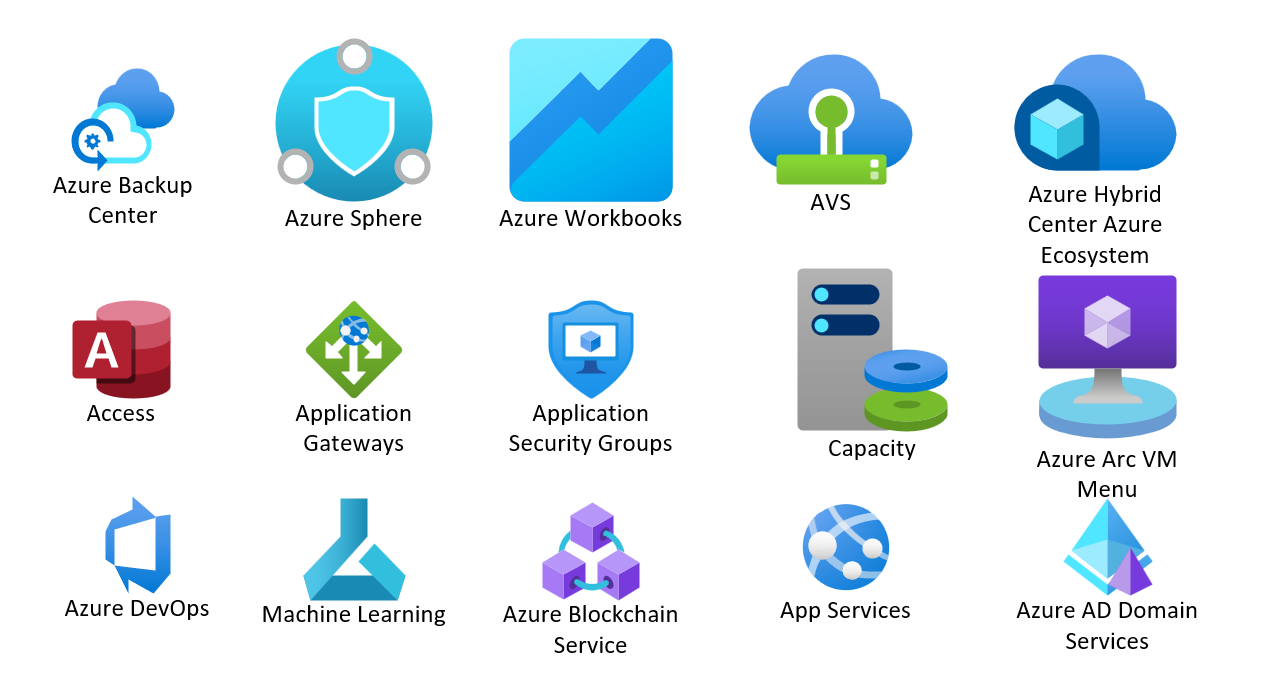
Icons from the various official stencils land at wildly different sizes, a collage instead of a diagram. Visio-Azure normalises every icon to the same drop size.
Every master,
fully loaded.
The same contract applied to every icon in the Azure Visio stencil, automatically, across all 1,764 masters.
Search that works
Keywords written into all four cells Visio's indexer reads, shaped by an empirical lab against Microsoft's own stencils. Type "key vault" and find it.
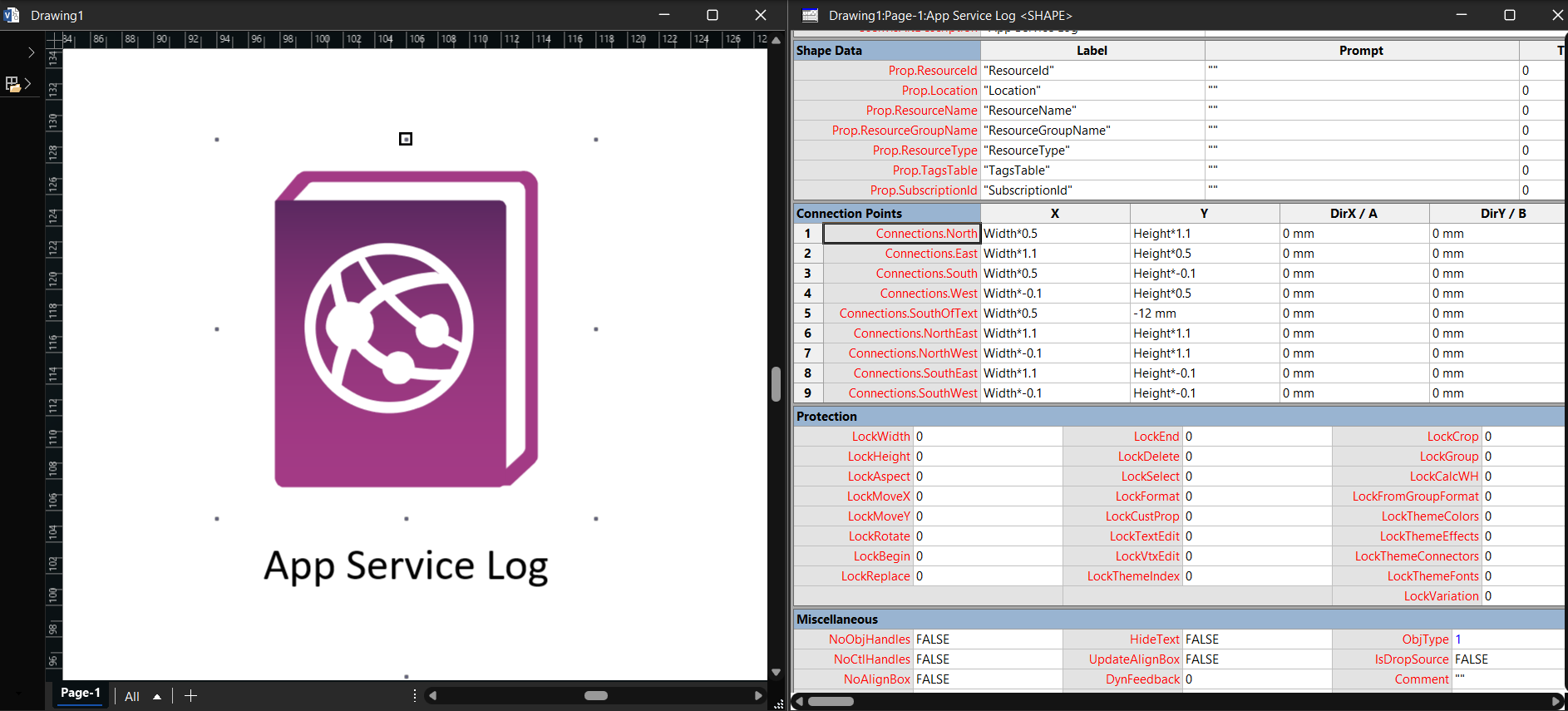
Nine connection points
North, East, South, West, four corners, and SouthOfText on every icon. Connectors glue to anchors, not to bounding boxes.
Resource shape data
ResourceId, Location, ResourceName, ResourceGroupName, ResourceType, TagsTable, SubscriptionId on every master. Populate from ARM exports, tags, or a CMDB.
Dark-mode twins
Twenty-seven near-black logos ship a white -DM variant with white captions, so dark-canvas designs stay legible.
Pick your units,
start drawing.
Visio only shows an Azure Visio stencil that matches your page's measurement units. Check via Design, Page Setup, Measurement units; then grab the matching set. New here? Start with the Azure Visio stencil pack overview.
Centimetres / millimetres
Most of the world: AU, EU, UK metric drawing templates.
download Metric zipIcon artwork © Microsoft Corporation, used per Microsoft's published icon terms. Community project; not affiliated with or endorsed by Microsoft.